Opple Vörunúmer: 6211364
Opple Bjartur 4000k 7140lm 51w L1610 Ip65 Ik08 Smart G3 Ble


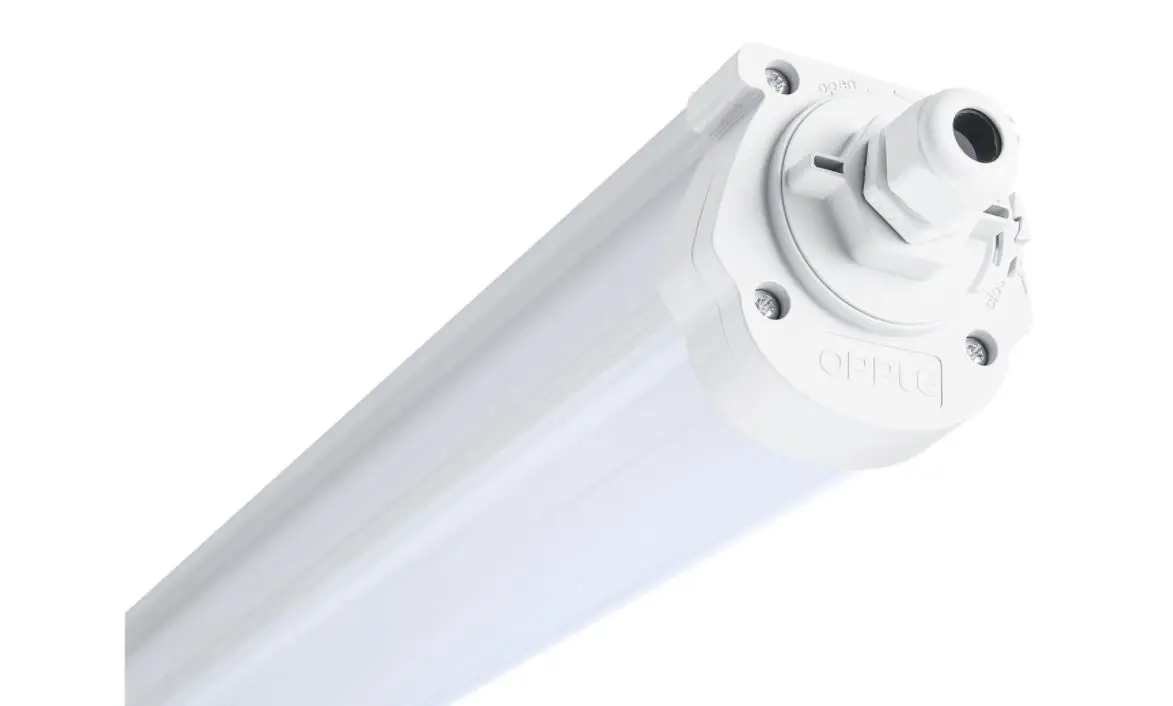

Opple Vörunúmer: 6211364
Opple Bjartur 4000k 7140lm 51w L1610 Ip65 Ik08 Smart G3 Ble
- Nánari upplýsingar
Dimmanlegur - Já BLE Afl 51W Ljósmagn 7410lm Ljósdreifing 110° Litarendurgjöf CRI >80 Litarhitastig 4000K Varnarflokkur IP65 Líftími 70.000 L70 Líftími 50.000 L80 Lengd 1610 mm Hæð 81 mm Breidd 78 mm Grey RAL 7035 Material housing - Polycarbonate UV resistant - Yes Optical material - Polycarbonate Mounting clips - Stainless steel ----------------------------------------------------------------- How to remove devices from a project? In case the Smart Devices have to be added to another project or area, they first need to be deleted from the Smart Project they are currently in. For security reasons, Smart Devices cannot be part of two Smart Projects. There are 2 options: 1. When the installer is physically present at the Smart Project and the Smart Devices are all powered: • Tap the Smart Device in the device list and select “Delete”. This will remove the Smart Device from the project and make it discoverable again for another project. (If the installer is not present, ask them to transfer the project rights to you or ask them to make the changes) 2. When Smart Devices are not powered, also a complete Smart Lighting Project can be deleted by: • Select “Set” at the bottom of the screen of the area list. • Select “Project Switch” and tap “Delete” to delete that specific project. Note that this method requires the Smart Devices to be manually reset. A manual reset can be performed by switching the 230V power 5x quickly off-on for Smart Luminaires or by pressing the small reset button for more than 5 sec. on the latest generation BLE LED driver with a paperclip. • After a successful reset, the Smart Luminaire will blink. • For resetting the Smart Sensor, Smart Relay or Smart Switch, the reset button should be pressed for more than 5 sec., after which the LEDindicator will blink to indicate a successful manual reset. • After a Smart Device has been manual reset, the Smart Device is discoverable again for a new Smart Lighting Project.